

User guide · getting started · 5 min read
You are in. Here is where everything lives.
After signup you’re already logged in. This page covers coming back later, finding your way around My Account, and what each dashboard link actually does.
 Nothing on this page costs money. It is the free account you are looking at.
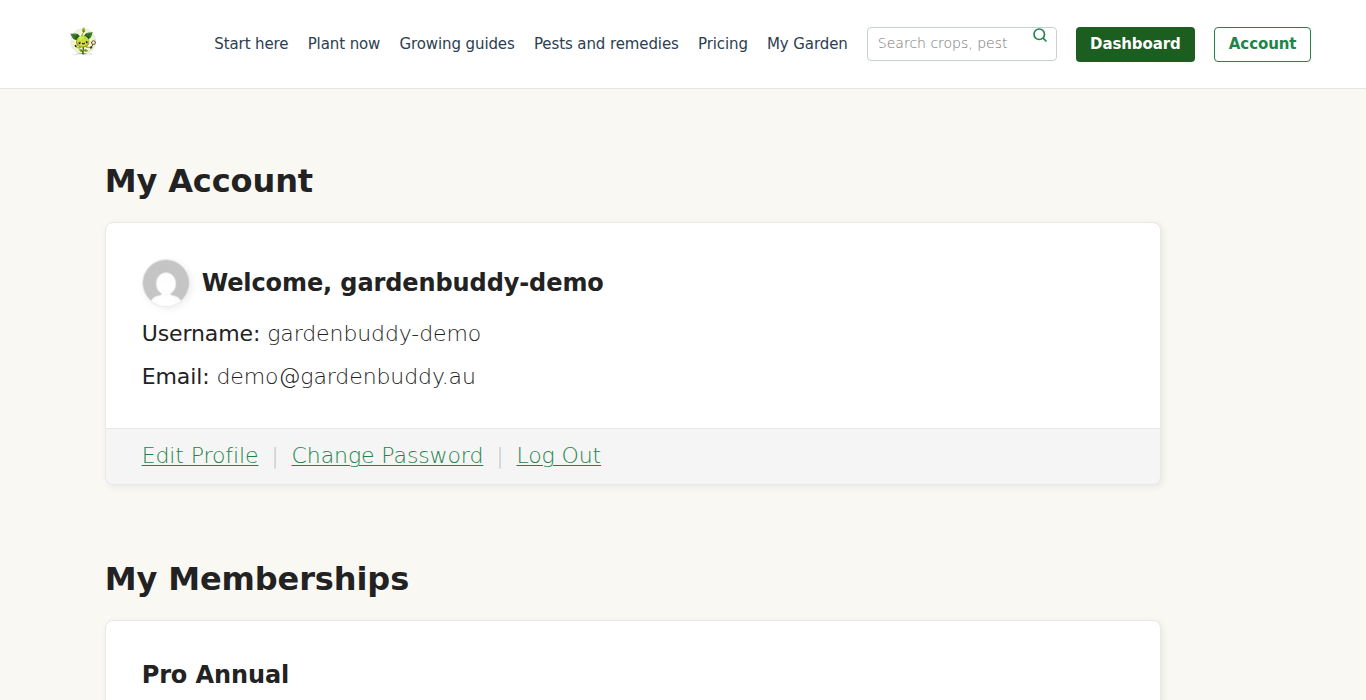
Logging in
Click My Account in the top-right of the nav. Both anonymous and logged-in members see this link.
- Enter your username and password. The username is what you picked at signup, not your email. (Email also works as an alternative login.)
- Tick “Remember me” for a persistent 14-day session cookie. Without it, you stay logged in for the current browser session only.
- Click Log In. You land on the My Account dashboard.
“Lost your password?” link below the login form sends a reset email. Click the link in the email, set a new password, you’re back in. Works even if you can’t remember the username, enter your email instead and the reset link is keyed off that.
The My Account dashboard
Six sections arranged as a simple card grid:
| Section | What you do here |
|---|---|
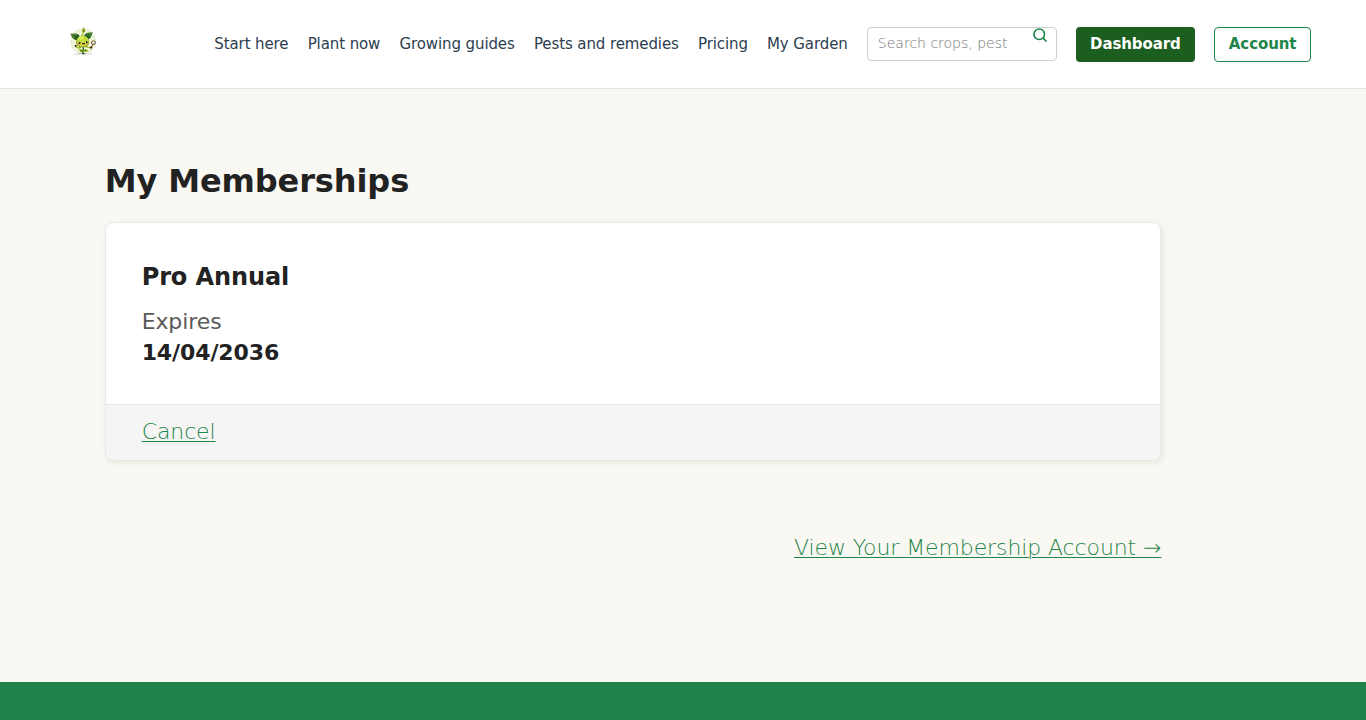
| Membership Level | Your current tier in big text. “Pro Annual” or “Starter Monthly”. Click to upgrade/downgrade. |
| Membership Billing | Card on file (last 4 digits + expiry), invoice history, update card. GST-inclusive pricing shown. |
| Membership Levels | Side-by-side view of all five tiers. Click “Change” to upgrade or downgrade. |
| Membership Cancel | One-click cancellation. Keeps access until end of current paid period. |
| Edit Profile | Change display name, email, password, profile picture (Gravatar). |
| Logout | Ends your session immediately. Also available in the top admin bar. |
Membership Billing in detail
Three things to see and do here:
Card on file
Last 4 digits, brand (Visa / MC / Amex), expiry month and year. We never display full card numbers, that information lives in Stripe’s encrypted vault.
Invoice history
Every charge you have made, each row linking to a downloadable PDF invoice with:
- Our ABN (Dutch Digital Dynamics Pty Limited, ABN 86 081 237 087)
- GST itemised (included in price, not added on top)
- Billing period covered
- Payment method (last 4 digits of card)
- Status (paid / pending / failed)
Useful for tax records, business expense claims, or simply tracking what you’ve paid over time.
Update card
Click “Update card” to replace the card on file. Opens a Stripe-hosted form. Old card removed, new card used for the next renewal. No interruption to access.
Sessions and security
Session duration
By default, your cookie lasts the browser session. With “Remember me”, it lasts 14 days. After 14 days, next visit to /my-garden/ or /my-account/ triggers a fresh login.
Logging out
Once logged in, a thin black admin bar appears at the top of every page (this is WP’s default). Hover your username top-right; a menu appears with “Log Out” at the bottom. One click ends the session.
Library computers, a friend’s phone, work desktops, log out before walking away. Your session cookie persists for 14 days otherwise. Anyone with that browser can access your /my-garden/ data until it expires.
Multiple devices simultaneously
You can be logged in on phone, laptop, work desktop, and partner’s tablet all at once. Each device gets its own cookie. Logging out on one doesn’t log you out on the others. Useful for couples sharing a garden, but both need to log in under the same account (not separate accounts, we don’t yet support family/shared accounts).
Editing your profile
Edit Profile lets you change:
- Display name, what shows on your account page (currently only visible to you).
- Email address, where receipts, password resets, digest emails go. Changing it sends a verification email to the new address.
- Password, set a new one any time. Must meet WP’s strength requirements (the green/yellow/red indicator).
- Profile picture, uploaded via Gravatar. If you already have a Gravatar for your email address (e.g. from WordPress.org comments), it shows automatically.
You cannot change your username, it’s fixed at signup. If you really need a new one, email support and we’ll do it manually.
Your browser is blocking our session cookies. Check if “Prevent cross-site tracking” (Safari) or similar privacy settings are enabled. Add gardenbuddy.au to your cookie allow-list. If still failing, try a different browser, Chrome and Firefox handle our session cookies cleanly.
Next: click “My Garden” in the top nav. That’s the heart of the product.