

User guide · help · 5 min read
Leave whenever you like, no retention loop.
Cancel, upgrade, downgrade, or change your card. All from /my-account/, no phone calls or retention loops.
 Cancelling takes two clicks and your data stays put until you ask us to delete it.
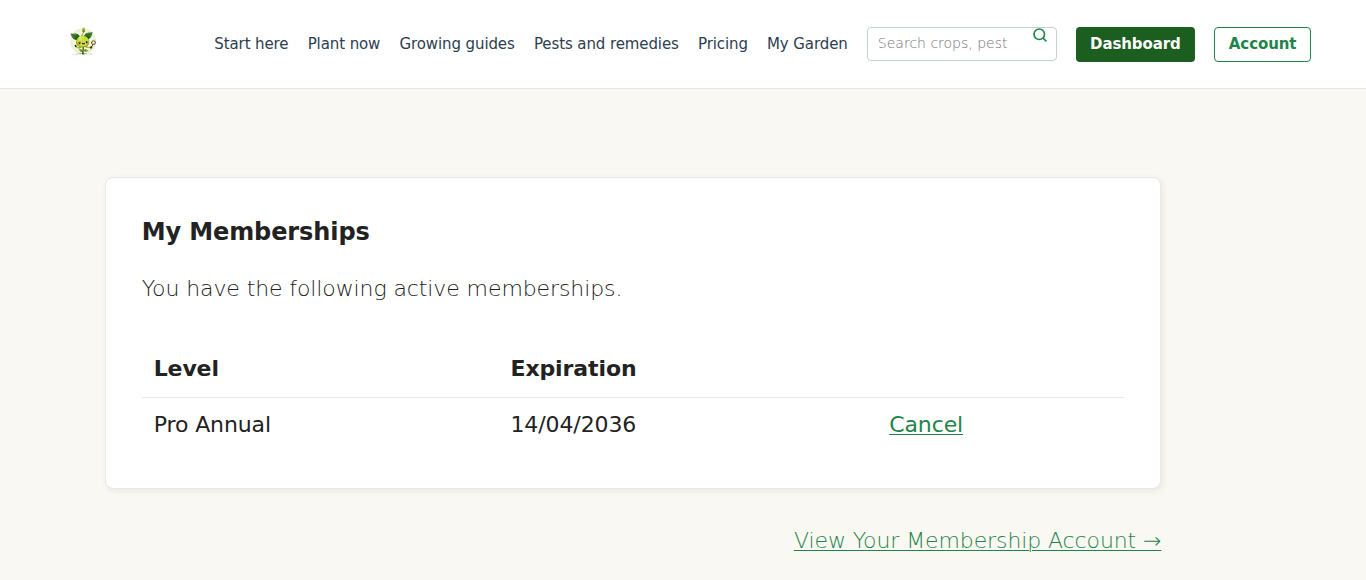
Cancel
- Go to /my-account/.
- Click “Cancel membership”.
- On the confirmation page, click “Yes, cancel”.
That’s it. No phone call. No retention loop asking “are you sure?” three times. One click, done.
What happens after cancellation
- Your access continues until the end of your current billing period. If you cancelled mid-month on a monthly plan, you keep access for another few weeks.
- No further charges. Stripe subscription is ended; card is not billed again.
- Your garden data stays on your account in case you come back. Nothing is deleted on a timer; access to the paid features simply ends. If you want your data removed for good, email us and we’ll delete the account.
- You’re not logged out. Your session continues until it expires; you can browse the garden, export data, archive plants, whatever you like.
We do not refund unused time
This is the one thing worth knowing before you pick a plan. Cancelling stops the next charge, it does not send money back. Cancel 4 months into an annual plan and you keep full access until month 12, but there is no refund for the 8 months you did not use. Monthly works the same way: you keep access to the end of the month you have paid for, then it stops.
Not sure? Start monthly
If you are undecided about a year, take a month. It costs less than a punnet of seedlings and you can walk away at the end of it with nothing owing. Move to annual later once you know the site earns its keep.
Re-subscribe after cancelling
- Go to /my-account/membership-levels/.
- Pick a tier (same as before or different).
- Go through checkout again, enter card details, pay.
- Access restored.
Your old garden data is still on your account, so everything picks up where you left off, no data loss, seamless resumption.
Upgrade
Starter to Pro, or monthly to annual. The new tier is active immediately.
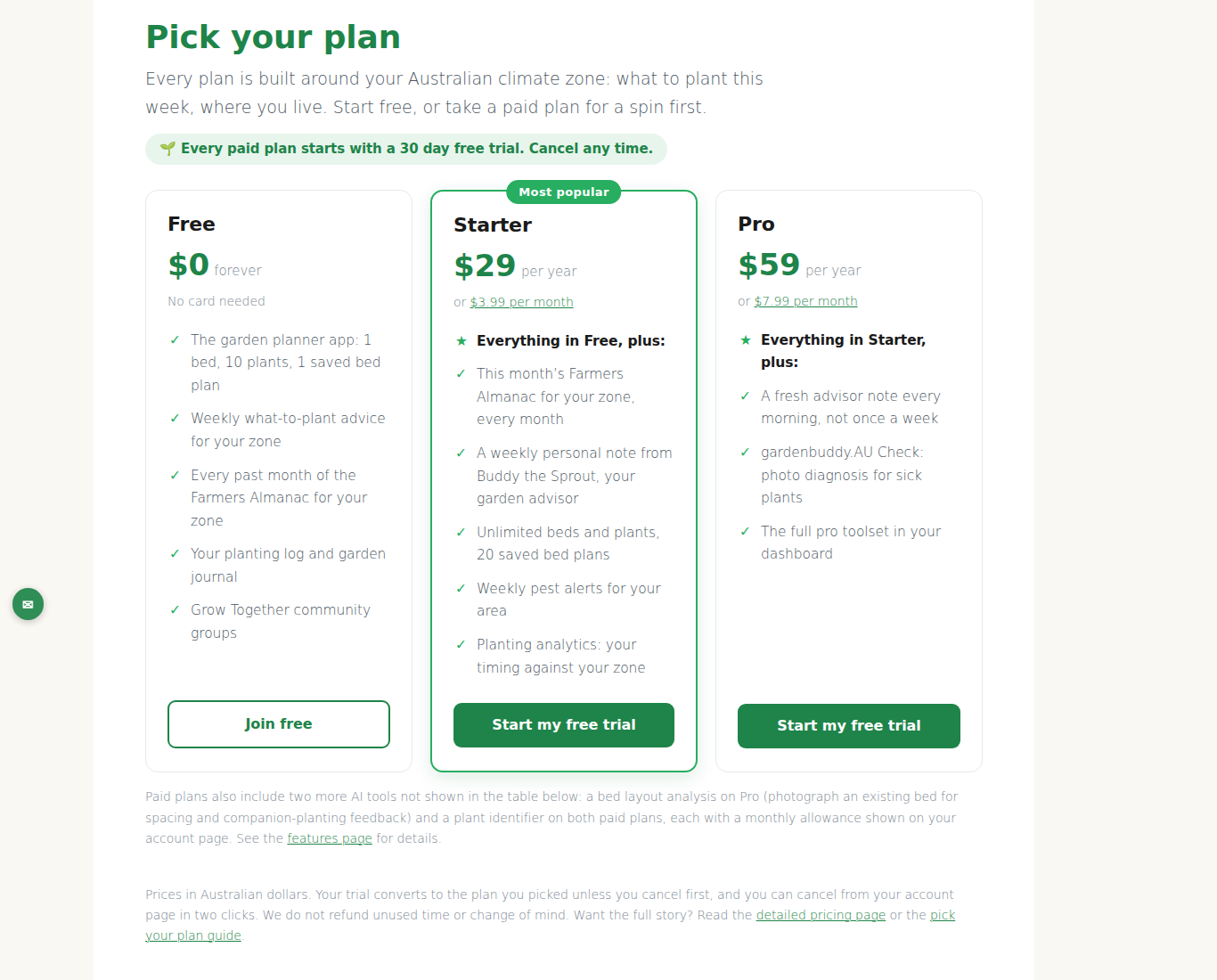
- Go to /my-account/membership-levels/.
- Click “Upgrade” on the tier you want.
- Pay for the new tier at checkout.
- New tier active immediately.
Whatever is left of the plan you are leaving is not refunded or credited, so the tidiest time to upgrade is at the end of a billing period rather than the middle of one.
Downgrade
Pro → Starter, or annual → monthly. Takes effect at your next renewal, no refund on current period.
- Go to /my-account/membership-levels/.
- Click “Change” on the lower tier.
- Confirm.
- Current tier continues until your renewal date; then the new (lower) tier kicks in automatically.
Change card
- Go to /my-account/membership-billing/.
- Click “Update card”.
- Stripe’s secure form appears, enter new card details.
- Old card removed from your profile; new card used for future charges.
Only the last 4 digits show on the billing page. We never store full numbers, that’s Stripe’s job. To verify which card we’re charging, check your bank statement against the last 4 digits shown.
Pause instead of cancel
Not currently supported. Formal pause is on the 2026 roadmap.
The workaround: cancel, then re-subscribe when you’re ready. Your data waits for you; you just skip paying for the dormant period. Less elegant than a formal pause but the outcome is identical.
Common scenarios
Moving abroad for 6 months
Cancel. Re-subscribe when you’re back. Data waits.
Got Pro but only use Starter features
Downgrade. Takes effect at next renewal. You save $30/year.
Got Starter Monthly, want to commit to Annual for the savings
Upgrade Starter Monthly to Starter Annual. Best done at the end of a paid month, since the remainder of the month is not credited. You save about $20 over the next year.
Card was stolen; new card coming in the mail
Nothing urgent. When the new card arrives, go to /my-account/membership-billing/ and update. If a renewal hits in the meantime and the old card fails, Stripe retries the card automatically several times over the following days; the fastest fix is updating your card on /my-account/.