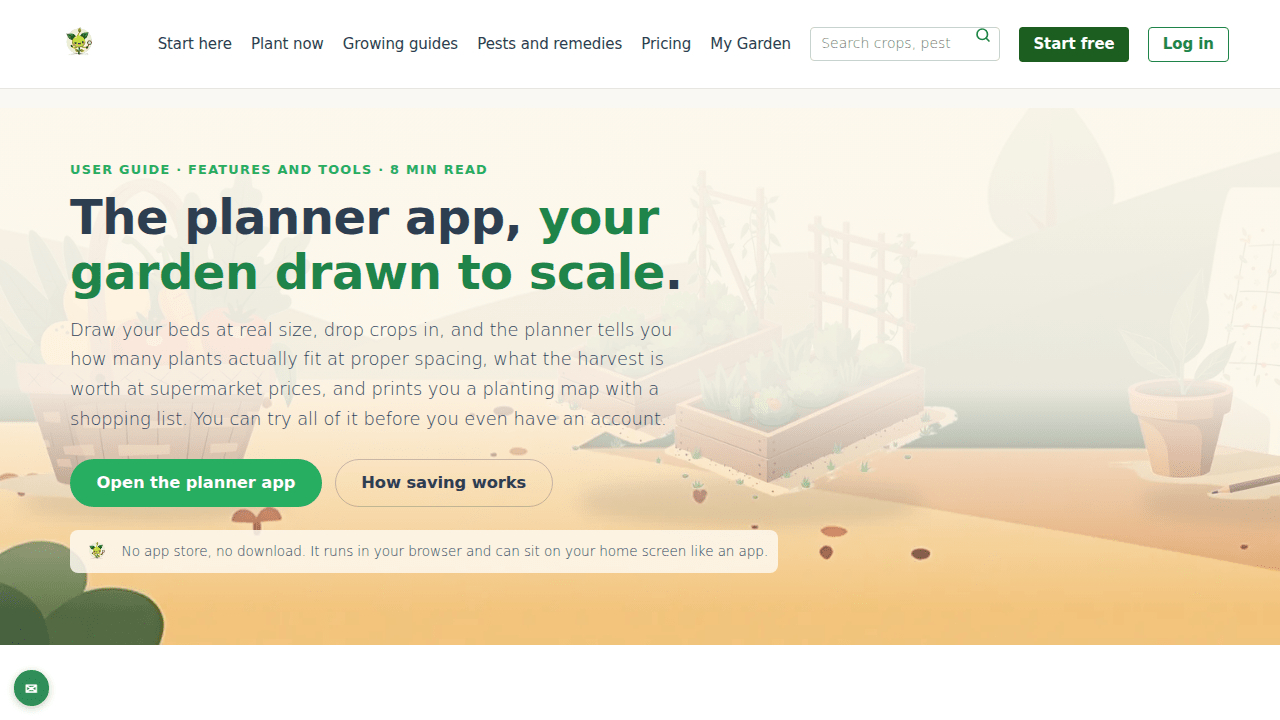
The planner app at gardenbuddy.au/app/ draws your garden beds at real size, works out exactly how many plants fit, and prints you a shopping list. Here is what the Planner tab actually does and how to use it.
A minute and a half on drawing a bed, filling it with crops, and taking the plan outside.
What the planner app actually does
The planner is a separate app that runs in the browser at gardenbuddy.au/app/. There is nothing to install and nothing in an app store. It has five tabs, Home, Explore, Planner, My Garden and Account, and the Planner tab is the part that draws a garden to scale.
It works on a 10 cm grid, with a 1 m scale bar and rulers along the edges so the sizes are honest, not just pretty. There are two ways to make a bed: drag out a rectangle and the sides snap to the nearest 10 cm, or type the measurements in metres or centimetres, or pick a preset such as the classic 240 by 120 sleeper bed, 200 by 100, 180 by 90, 120 by 120 wicking, or 120 by 60 balcony. Every bed is kept between 30 cm and 12 m a side. An 8-point compass on the same tab sets which way the garden faces, which feeds the sun model and matters most for balconies and shaded yards. It sets the aspect, it does not rotate the beds.
Drop a crop into a bed and the planner answers the question every seed packet dodges: how many actually fit. It uses each crop’s real spacing to work out plants per row and number of rows, and says it plainly, for example “32 plants, 4 rows of 8”. Put more than one crop in a bed and it is split into strips, one per crop, each with its own count. The spacing comes from a catalogue of 70 crops curated from Australian sources, Gardenate’s AU data, Queensland DAF and Diggers, not measured in GardenBuddy.au’s own trials, and the app says so. The same catalogue drives the crop pages on the rest of the site, so the numbers agree everywhere.
You can try all of this without an account. Opening the planner starts a demo plan with a banner saying so, and everything works: drawing, fit counts, value, the lot. The demo lives only in that browser tab, so the moment there is something worth keeping, signing in saves it properly.
Why it matters
A seed packet or a generic planting calendar cannot tell anyone how many seedlings actually fit their bed, because it does not know the bed’s real size. Guessing means either buying too many seedlings or leaving gaps. The planner exists to close that one gap: draw the bed at its actual size, and the fit count comes from real spacing data instead of a guess.
It is also built to work before a decision is made about the paid tiers. Drawing, fit counts, plan value, print and CSV export are identical on every plan, free or paid. The only thing the free tier limits is how many finished plans get saved at once, not whether the tool itself is any good.
How to use it
- Open the planner: go to gardenbuddy.au/app/ and tap the Planner tab, or tap “Open the planner app” from the member home. No sign-in needed to start.
- Draw or add a bed: drag a rectangle on the grid, or add one by size using a preset or your own measurements. Go and measure the real bed first, the whole point of a to-scale planner is that the numbers are yours.
- Set the compass: tell the planner which way the garden faces, especially for a balcony or a shaded yard, so the sun model is right.
- Drop crops in: add crops to the bed and read the fit count and row layout straight off the screen.
- Save when it is worth keeping: hit Save, sign in on the sheet that opens inside the app, and stay signed in on that device for a year. Free accounts keep 1 saved plan, Starter and Pro keep 20.
- Print or export: print a to-scale map with a dot for every plant and a seedling shopping list, or export the whole plan as a CSV spreadsheet. Both are free for everyone, signed in or not.
- Plant the plan: “Plant this plan” pushes its crops into the garden journal, so weekly tasks and harvest dates start from there, including for the free plan’s single saved plan.
Frequently asked questions
Do I need to download anything? No. The planner is a web app at gardenbuddy.au/app/. On Android and desktop Chrome there is a one-tap Install button, and on iPhone the Share menu has Add to Home Screen, either way it is optional and just puts a GardenBuddy.au icon on the home screen that opens straight into the app.
Does the free plan cripple the planner? No. Drawing, fit counts, value, print and CSV export are identical on every plan. Free keeps 1 saved plan, Starter and Pro keep 20, and the journal it plants into keeps free at 1 bed and 10 plants. That is the whole difference.
What happens to my saved plans if my membership lapses? They are not held hostage. A lapsed member can still sign in, open every saved plan, print it and export it. What needs an active paid plan is saving new ones beyond the free allowance.
Does the planner work offline? It keeps a copy of the plan list, the most recent plan and garden data on the device, so patchy reception in the backyard does not blank the screen. Offline, the most recent plan opens read-only and a banner says how old the saved data is. Trying to save offline gets an honest “You’re offline, save again when you have reception”, nothing is silently queued and lost.
Can I share a plan before someone signs in? Yes. The planner reads instructions from the address bar, so a link such as /app/?tab=planner&bed=240x120&crops=tomato,basil opens with that bed drawn and those crops ready, and it works for anybody before they sign in.
Related features
The planner is one tab in the wider app. These are the features it hands off to and pulls from.
- Build my first garden: the three-question wizard for a first-timer who does not yet know what to plant, before there is anything to draw.
- My Garden: where a saved, planted plan turns into weekly tasks and a harvest tally.
- Grow Together: for sharing a garden with a neighbour once there is a plan worth sharing.
- The live supermarket price tracker: the same price data the planner uses to work out what a planned harvest is worth.
Try it now
Head to gardenbuddy.au/app/, open the Planner tab, and draw a bed at its real size to see exactly how many plants fit before buying a single seedling. No account, no card, and it works before you sign in.