A Grow Together group is not something you go looking for on GardenBuddy.au. There is no directory, no search box, no button that lists groups near you. The only way in is an invitation from someone who already has one running, or starting the first one your own street has had. Here is how that actually works, step by step, verified against the live Grow Together tool and the code behind it.
Under two and a half minutes on joining an invitation, or starting your own group.
What it does
Grow Together is a small group, usually neighbours or friends, who each grow something different and swap the surplus. Inside a group there are two things happening: sharing and swapping.
- Sharing. Under a tab called What I share, every garden bed you own is listed, and every one starts private. You choose which beds the group can see, and you can turn any of them off again at any time. Other members never see your exact address, only your suburb.
- Swapping. The Swap board is where members post that they have spare pumpkins or that they are after garlic. Other members register interest, and the two of you arrange the actual handover yourselves. There is no price, no payment and no delivery anywhere on the board. GardenBuddy.au signals who has what and who wants what. What happens next happens between neighbours.
A group admin on a Pro plan can also switch on a Season tab, which every member can then use regardless of their own plan, to coordinate who is growing what so a group of eight does not end up with eight lots of lettuce.
Why it matters
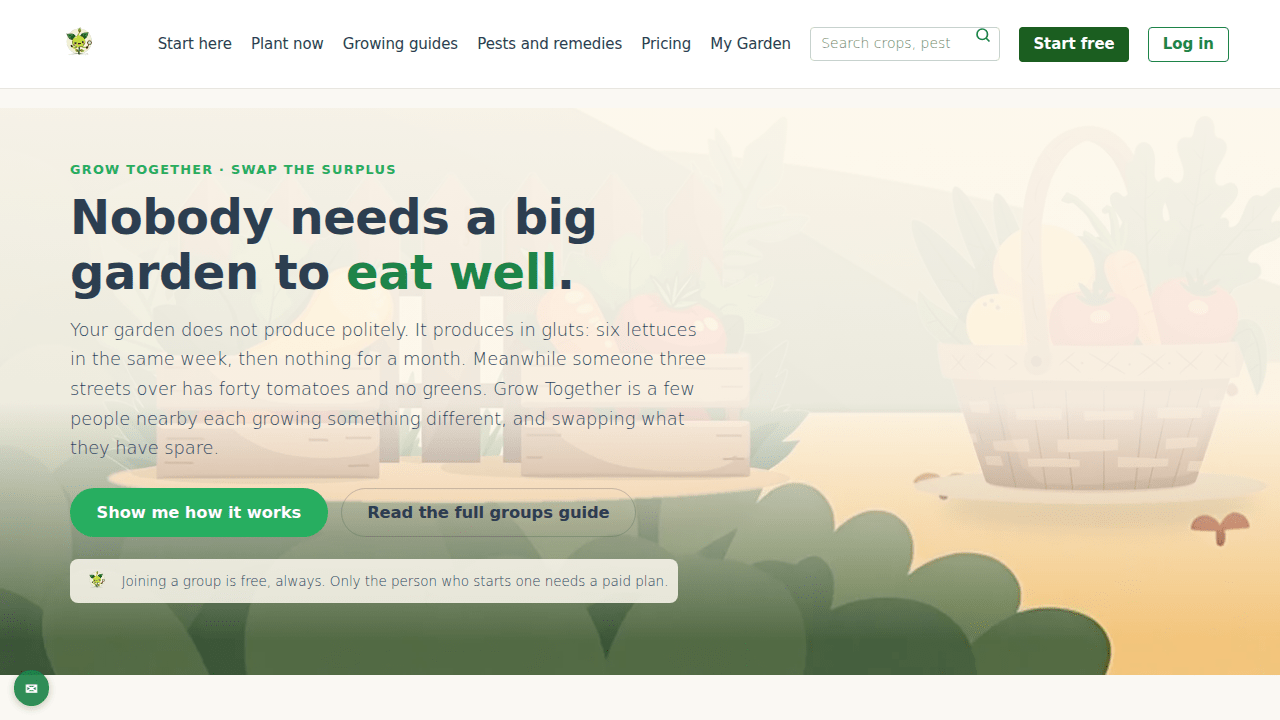
A home garden does not produce on a schedule. It is six lettuces in one week and then nothing for a month, while someone three streets over has forty tomatoes going to waste. A group turns that mismatch into food that actually gets eaten, without anyone giving up control of their own beds or handing over their address to a stranger. Joining is free for as long as you stay a member, which matters because a group that charged every person in it would fall apart the first time someone could not justify the cost.
How to join a group
- Wait for an invitation, or ask for one. Someone already in a group sends an invite to your email address. If you are not sure what address to give them, sign in to GardenBuddy.au and open Grow Together. If you are not in a group yet, it tells you exactly which address on your account any invitation has to be sent to.
- Open the link when it arrives. The invitation is single use and lasts 14 days from when it was sent. If it has expired, ask whoever invited you for a fresh one, there is no way to revive an old link.
- No account yet? That is fine. The link walks you through creating a free GardenBuddy.au account first, then joins you to the group. You do not need to pay anything to accept an invitation, then or later.
- You land back in Grow Together, already a member. Nothing of yours is visible to the group yet. Sharing is a separate, deliberate step.
- Choose what to share. Go to What I share and turn on the beds you want the group to see. Leave the rest off. You can change your mind at any time, though anyone who already saw something has already seen it.
- Use the swap board. Post what you have spare, or what you are after, and see what everyone else has listed.
How to start a group
If nobody nearby is running one, you can start it. Opening a new group needs a Starter or Pro plan, because someone has to be accountable for the group existing. Everyone you invite joins for nothing and stays free, indefinitely. A group of eight neighbours should not cost eight subscriptions, and it does not.
- Open Grow Together while signed in on a Starter or Pro plan and start a group.
- Use the Invite a neighbour form, which only group owners and admins see, and send an invite to each person by email.
- As people accept, they show up as members. You can remove a member, and you can close the group down entirely when it has run its course, though closing it is permanent and takes every shared bed and the swap board with it.
FAQ
Can I browse or search for a group near me?
No. There is no public list of groups and no way to request to join one. Groups are invitation only, on purpose, because they share real information about where you garden.
Does joining a group cost anything?
No. Joining is free, permanently. Only starting a group needs a paid plan.
What can other members actually see of my garden?
Only what you turn on, bed by bed, under What I share. Your suburb, not your address. Nothing at all until you choose to share it.
My invitation link says it is invalid or expired. What now?
Invitations last 14 days and work once. Ask whoever invited you to send a new one to the email address on your account.
Related features
- Grow Together: What It Does and What It Costs, the full feature guide, for the detail on pricing tiers and what Season coordination unlocks.
- Grow Together, the live tool itself.
- Grow Together, share a garden with your neighbours, the groups user guide.
Try it now
Waiting on an invitation, or ready to start your own? Open Grow Together and see exactly where you stand.