Every planting on My Garden now has a Companions button. Press it and you get four things for that crop: what grows well with it, what to keep it away from and why, what should have been in the bed before it, and what to put in the bed after it comes out.
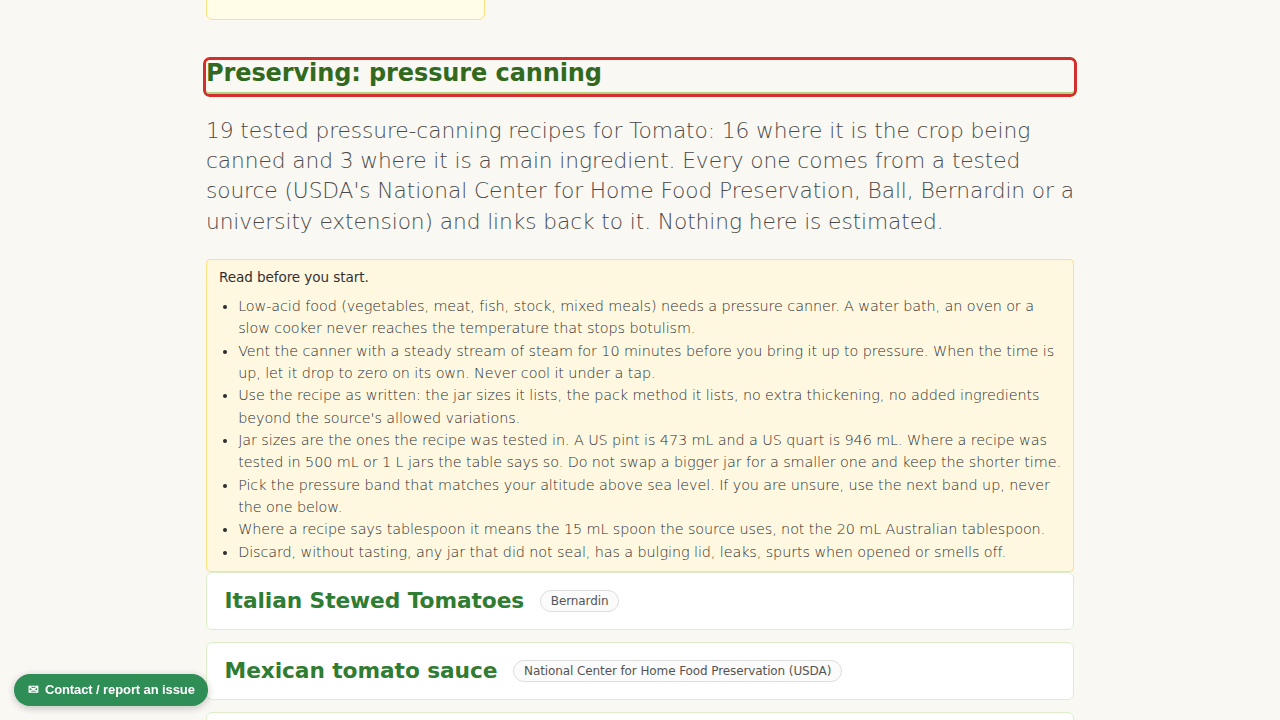
Where to find it. Open My Garden, press the Track tab, and look at any plant card under Active plantings. The button sits in the row of small buttons on the card, next to Update stage and Harvested. We have circled it in red below.

Here is a short clip that walks through it: the Track tab, the button, the card that opens, and the add plant check at the end.
The before and after come from the four turn rotation most Australian home gardeners use: legumes, then leafy greens and brassicas, then fruiting crops, then roots and alliums, then round again. Tomato is a fruiting crop, so the bed suits it best after lettuce or broccoli, and carrots or onions go in after it. Herbs slot in anywhere. Perennials like asparagus and rhubarb stay where they are and the card says so.
Two more things came with it. Each bed now carries a line saying what to plant in it next, worked out from what is growing in it now or, if it is empty, from what came out of it last. And the add plant form checks as you type. Pick a bed, type a vegetable, and if a keep apart crop is already in that bed, or the same family held the bed inside the last three turns, it tells you before you press Add. It never stops you. Your garden, your call.

All 104 crops in the growing guides have a sheet. It is free on every plan.